


Nothing turns a routine flight stressful faster than watching everyone else's bag come around the carousel while yours doesn't show up. A built-in AirTag holder is a small pocket sewn into a suitcase's lining, designed to hold an Apple AirTag in place so you always know where your bag actually is, not just where it's supposed to be. There's no GPS chip and no data plan involved, it works quietly through Apple's network of iPhones worldwide, relaying your bag's location back to your phone. Here's what to know before you rely on one:
- What it is: A small padded pocket built into the suitcase lining that holds an AirTag securely in place.
- How it works: The AirTag pings nearby iPhones through Apple's Find My network, not GPS, to report your bag's location.
- Is it legal to fly with: Yes. Both the FAA and TSA have confirmed AirTags are safe in carry-on and checked bags.
- Battery life: Roughly a year or more before the coin battery needs swapping.
- The catch: Full tracking only works on iPhones, Android users need a different tracker to get the same experience.
- Real value: If a bag is delayed, you can see immediately whether it's still at the airport, on a connection, or already waiting at your destination.
What Is a Built-In AirTag Holder?
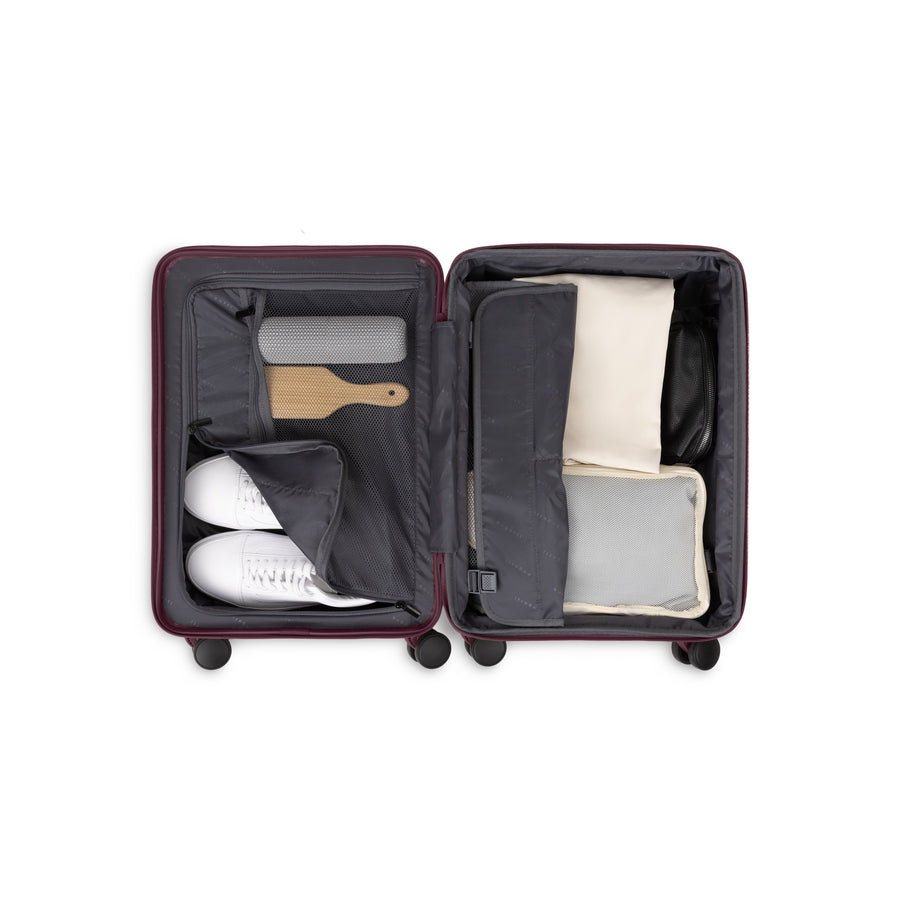
A built-in AirTag holder is a dedicated pocket sewn into a suitcase's interior, sized to keep an AirTag snug instead of letting it slide loose among your clothes. That small detail solves two real problems. An AirTag buried under a pile of clothing can lose signal strength, especially wrapped in thick fabric, so a fixed, open pocket keeps its signal consistent. And since AirTags don't ship with a keyring hole or loop, most owners end up buying a separate case or clip just to attach one, a built-in holder makes that extra purchase unnecessary.
Bugatti's Seoul 2 Piece Set is a good example, with the carry-on weighing 6.3 lbs and featuring a durable impact-resistant polypropylene shell, a TSA-approved lock, and a zipper-release expansion that adds 20% more packing space on top of the built-in AirTag pocket. The set includes both the carry-on and a large check-in piece, so both sizes ship with the same wheel and handle system, 360° spinner wheels and a telescopic trolley handle, for easy mobility on any surface. The AirTag itself is sold separately.

How Does an AirTag Actually Track a Suitcase?
Here's the part that surprises most people: an AirTag has no GPS chip and no SIM card. Instead, it broadcasts a quiet Bluetooth signal, and any nearby iPhone, a stranger walking past, a gate agent, another traveler at the carousel, anonymously reports that signal's location back to Apple's servers. That location then shows up in your own Find My app. Airports happen to be dense with iPhone traffic, which is exactly why this works so well there in practice: travelers have reported watching a checked bag's location update in near real time as it moved from a departure gate to a baggage sorting area.

How to Set Up an AirTag: A Quick Walkthrough
- Activate it. Pull the plastic tab on the back to start the battery, you'll hear a short chime.
- Pair it to your iPhone. Hold the AirTag close to your phone, and a setup screen appears automatically.
- Give it a clear name. Use something specific like "Blue Suitcase" rather than a generic label, especially if you're tracking more than one bag.
- Place it in the holder. Tuck it into the built-in pocket before you close and lock the suitcase.
- Check it before every trip. Open Find My and confirm the AirTag shows up under your Items tab, if it doesn't respond, the battery may need reseating.
- Turn on Lost Mode if needed. If a bag genuinely goes missing, Lost Mode lets whoever finds the AirTag tap it with their phone to see your contact details.
Is It Actually Legal to Fly With an AirTag in Checked Luggage?
Yes, and it's worth explaining why, since this is the question that worries most first-time users. The FAA has directly confirmed that AirTags are safe in both carry-on and checked bags. It comes down to the battery: an AirTag runs on a small coin cell rated well under the FAA's safety limit for lithium batteries in checked luggage, and its Bluetooth signal is far too weak to interfere with aircraft electronics.
The one rule worth remembering: the battery has to stay installed in the AirTag itself. A loose spare battery isn't allowed in a checked bag, so keep any spares in your carry-on instead. One honest caveat for international travel: the rules aren't perfectly uniform everywhere. A few airlines outside the U.S. have caused public confusion in the past with unclear statements about lithium-battery trackers, though most later clarified there's no real safety concern with a device this small. If you're flying an unfamiliar international carrier, a quick check of their current policy removes any doubt before you pack.
What Happens If Your Bag Gets Delayed or Lost?
This is where a built-in holder actually pays off. If your bag doesn't show up at the carousel, you're not stuck waiting and hoping, open Find My and you can see immediately whether it's still at your departure airport, stuck on a connecting flight, or already at your destination waiting on a delivery van. That turns a vague, anxious wait into something you can act on right at the baggage desk.
Some airlines have built this expectation into their own process. Delta specifically recommends using a tracking device like an AirTag as part of its lost-luggage steps, Bugatti's Delta Airlines Baggage Policy guide walks through what to do if a bag doesn't arrive: report it at the airport's baggage service office, get a file reference number, and file a formal Lost Baggage Claim if the bag hasn't turned up within 5 days (it's officially declared lost after 21). Handing the airline an AirTag's exact location during that window can genuinely speed the process up.
AirTag vs. the Alternatives: A Real Comparison
Not every traveler is on an iPhone, so here's how the main tracking options actually compare:
| Apple AirTag | Samsung SmartTag2 | Tile | |
| Works best with | iPhone (Find My network) | Samsung Galaxy (SmartThings Find) | Both iPhone and Android |
| Battery life | ~12 months, replaceable coin cell | Up to ~6 months, replaceable | Varies by model; some non-replaceable |
| Precision finding | Yes, on iPhone 15+ (UWB) | Yes, on compatible Galaxy models (UWB) | No, signal-strength only |
| Subscription needed | No | No | Only for advanced alerts and history |
| Keyring loop included | No — needs a separate accessory | Yes, built in | Varies by model |
| Best for | iPhone owners wanting the widest tracking network | Samsung Galaxy owners | Mixed Apple/Android households |
Built-In Holder vs. a Loose AirTag: Pros and Cons
Built-In Holder — Pros
✔ Stays in an open, consistent spot, so signal strength doesn't weaken under clothes
✔ No separate case or clip to buy, the pocket is already part of the bag
✔ Lower risk of the tracker sliding out or getting lost when the bag's opened
✔ One less thing to think about every time you pack
Built-In Holder — Cons
✘ Only relevant if you're buying new luggage, it's not something you can retrofit
✘ The AirTag itself is still sold separately in almost every case
✘ Only genuinely useful to iPhone owners
Best For a Built-In Holder
- Anyone shopping for new luggage who wants tracking built in from day one
- Families managing multiple bags, where each piece needs its own dedicated tracker spot
- Frequent flyers who want one less accessory to buy, pack, or lose
Loose AirTag in a Pocket — Pros
✔ Works with any existing suitcase, no new bag required
✔ Costs nothing extra beyond the AirTag itself if a normal zip pocket is good enough
Loose AirTag in a Pocket — Cons
✘ Can shift or get buried under packed clothes, occasionally weakening signal
✘ Usually needs a separate case or loop to attach securely
✘ Easier to accidentally leave out of the bag when repacking

Best For a Loose AirTag
- Anyone happy with their current suitcase who just wants to add tracking now
- Occasional travelers who don't want to buy new luggage just for this feature
- Budget-conscious travelers skipping the extra accessory case
What If You Don't Have an iPhone?
This is the biggest limitation worth being upfront about: AirTags are built for Apple's ecosystem, and they don't behave the same way on Android. An Android phone can detect an unfamiliar AirTag nearby, a built-in safety feature meant to flag unwanted tracking, but it can't set one up, name it, or show its live location the way an iPhone can.
If you're on Android, Samsung's SmartTag2 is the closer equivalent, working through Samsung's own SmartThings Find network and a strong fit if you or your travel companions carry Galaxy phones. Tile is the other main option, and the only one that works across both iPhone and Android, though its more advanced alerts require a paid subscription. If your household mixes Apple and Android users, a built-in AirTag holder mainly benefits whoever's actually carrying the iPhone.
Frequently Asked Questions
Does the AirTag come included with the suitcase?
No, the built-in holder is just the pocket. You'll buy the AirTag separately, set it up on your phone, then place it inside.
How long does an AirTag's battery last?
Around a year or more of normal use before the small coin battery needs replacing, a simple twist-open swap you can do yourself.
Will airport security remove or question the AirTag?
No, It's very unlikely. Security staff can see it on an X-ray scan, but since it's a widely recognized, low-power device, it's rarely flagged or removed.
Can an AirTag track a carry-on too, not just a checked bag?
Yes, and it's useful there in a different way, turn on Apple's "Notify When Left Behind" feature to get an alert if you walk away from your carry-on, like leaving it in a lounge or overhead bin by accident.
Does an AirTag guarantee my bag won't get lost?
No, it doesn't prevent mishandling or delays. What it does is tell you exactly where your bag is the moment something goes wrong, instead of leaving you with no information at all.
Do all airlines allow AirTags in checked bags?
Every major U.S. carrier does, and most international ones too. Both the Delta and Alaska Airlines guides linked above confirm this is standard, expected practice, not something you need to hide or disclose.
Recommended Picks
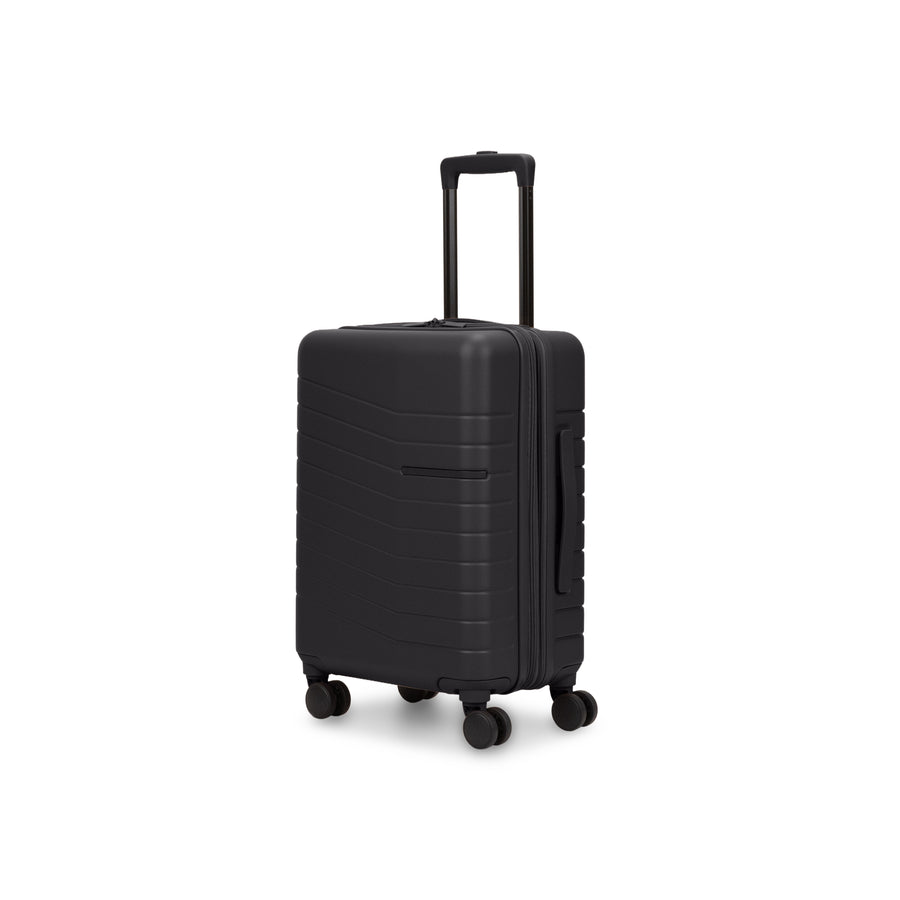
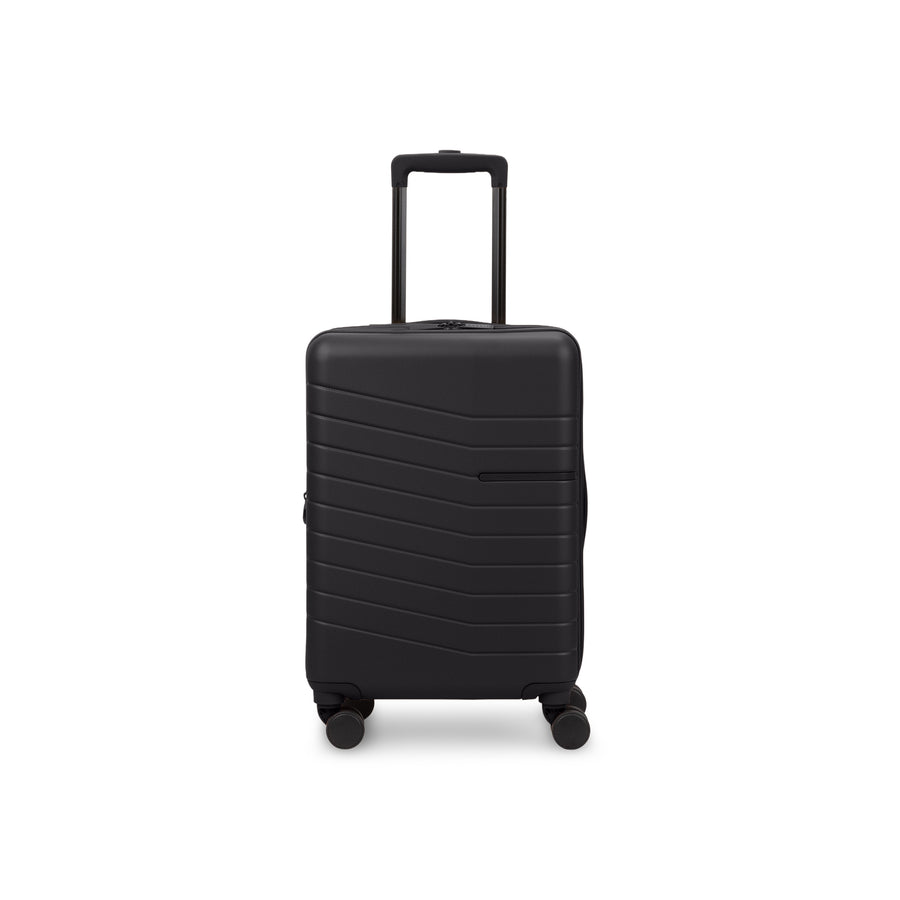
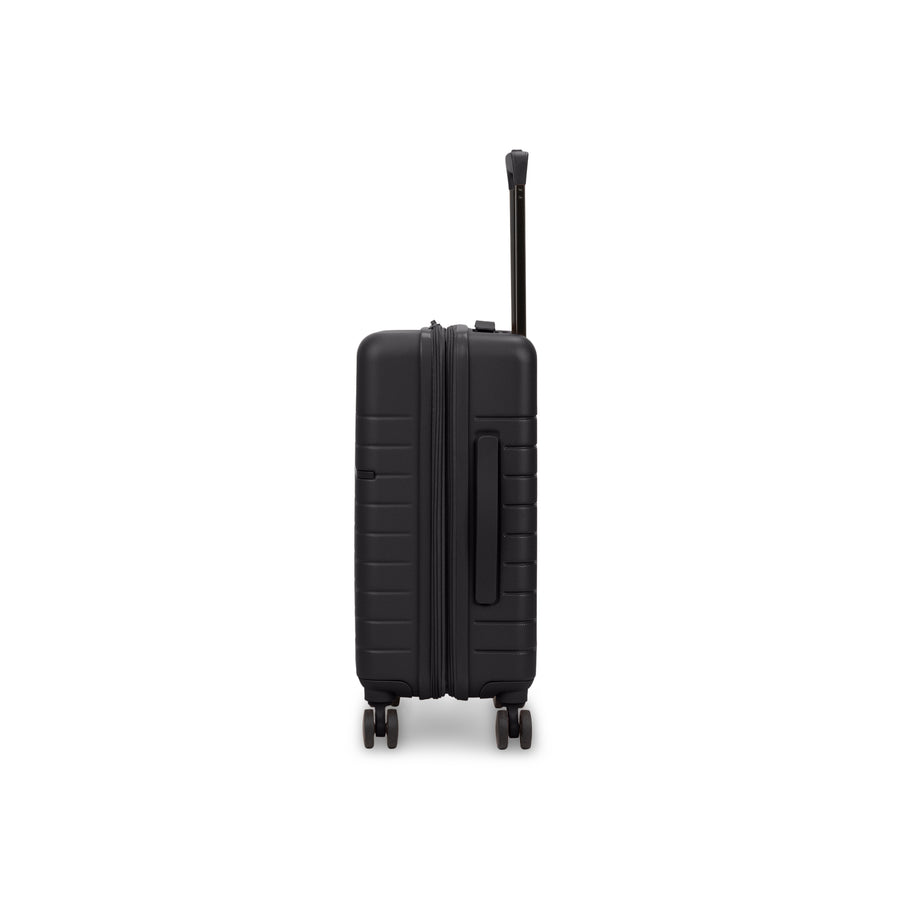
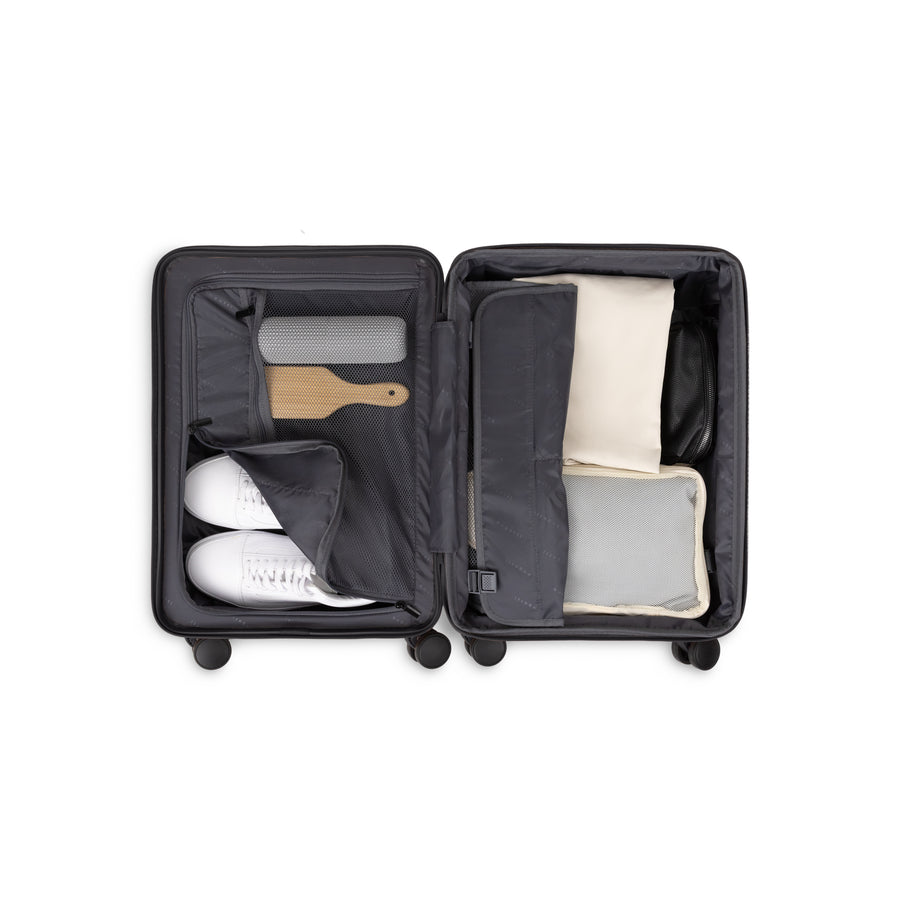
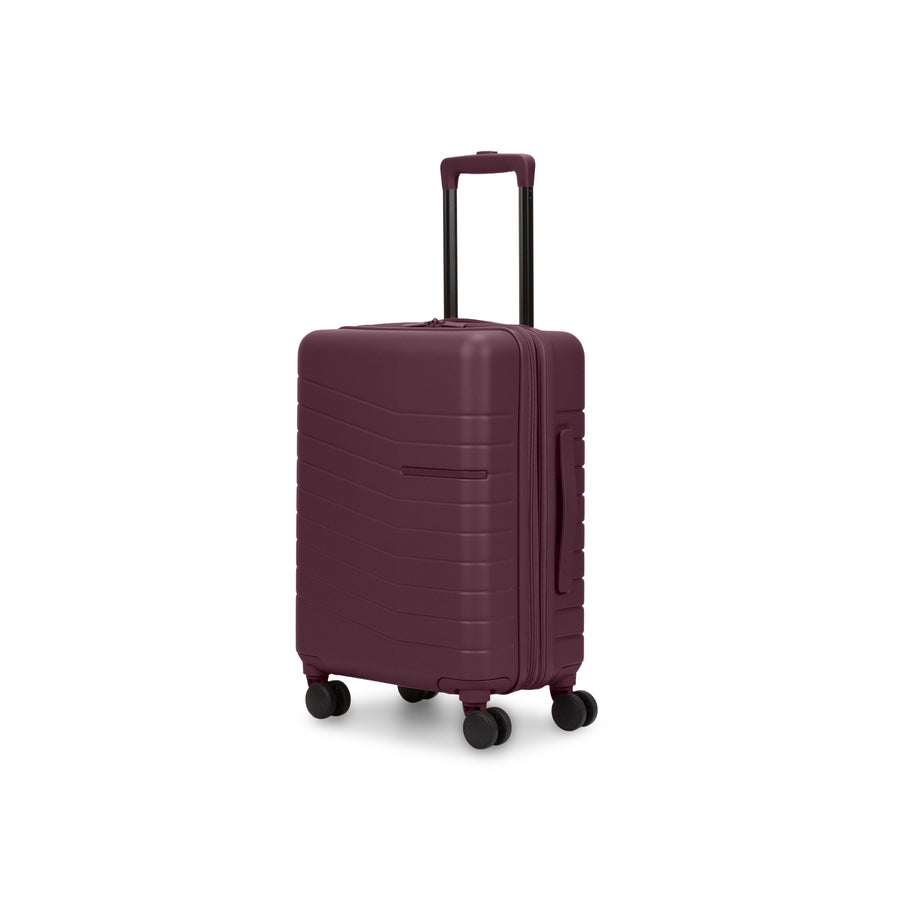
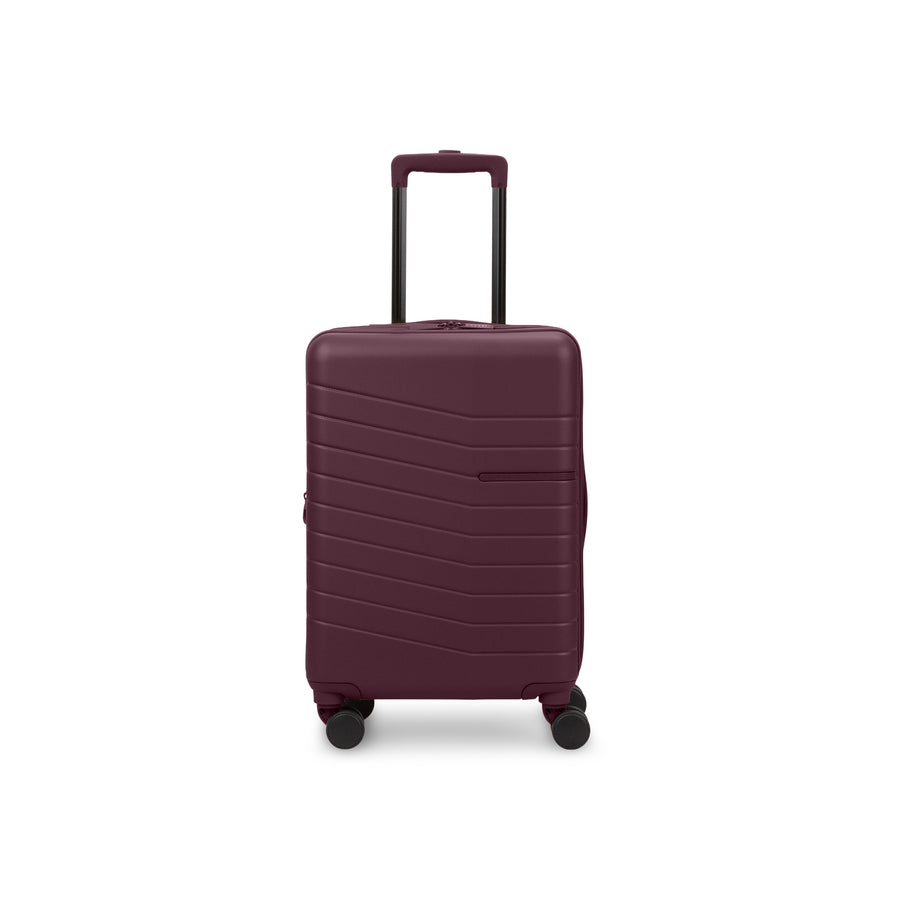
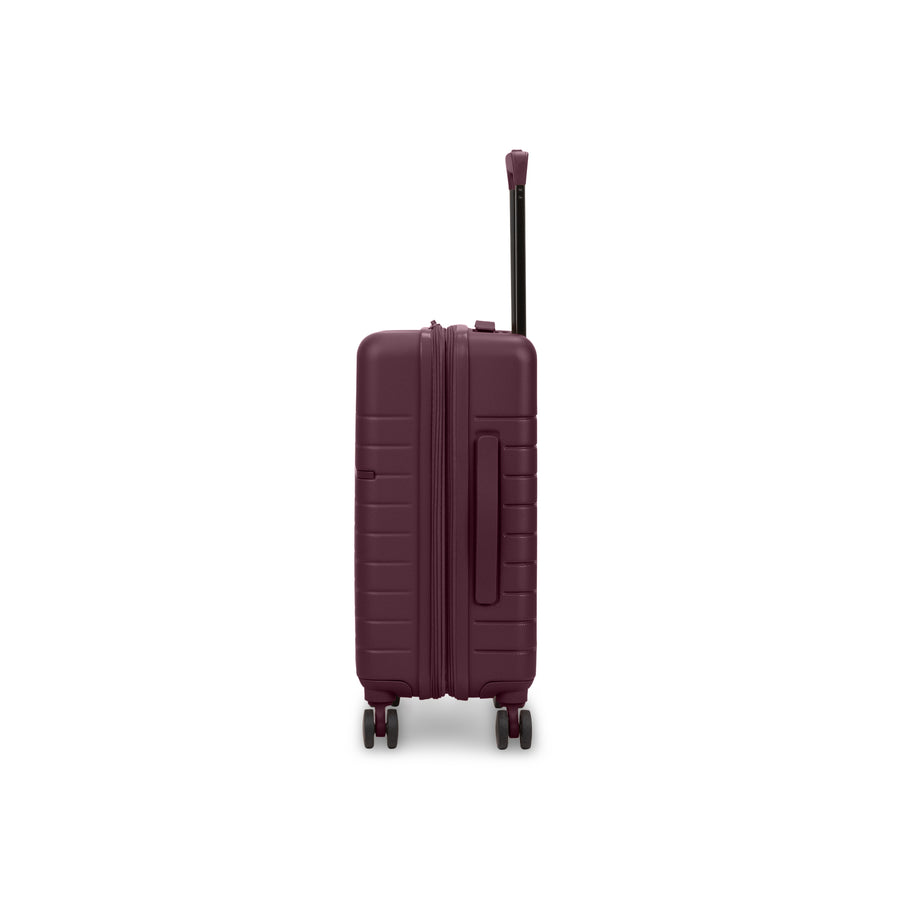
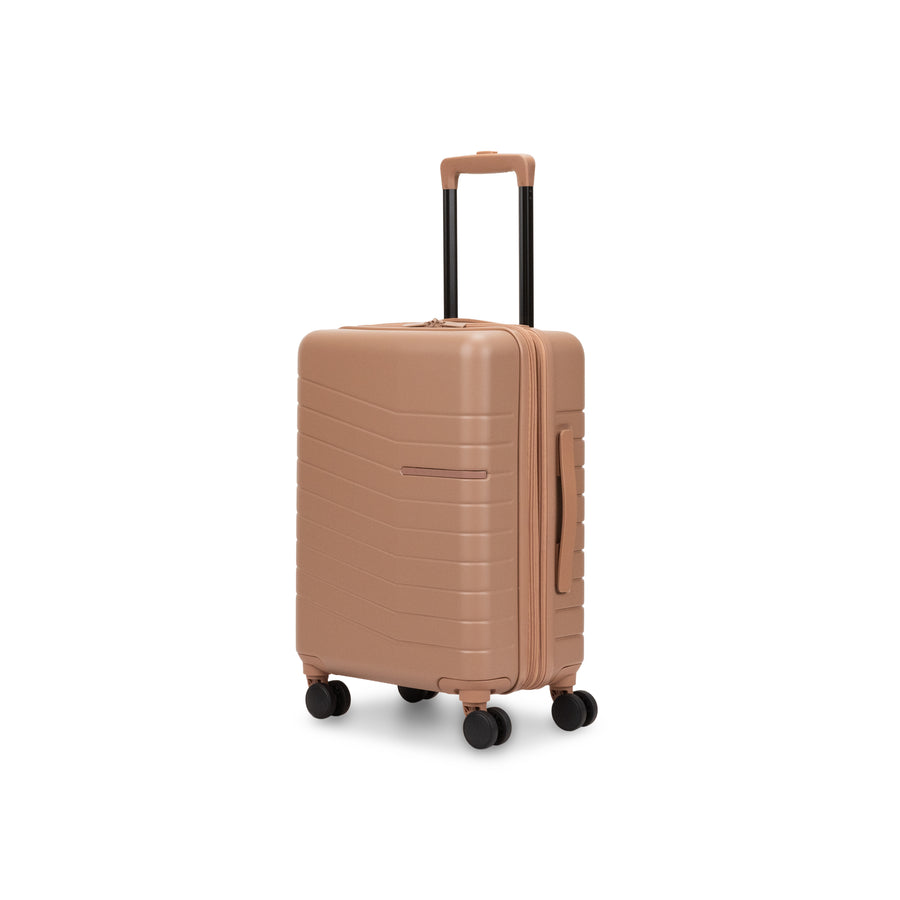
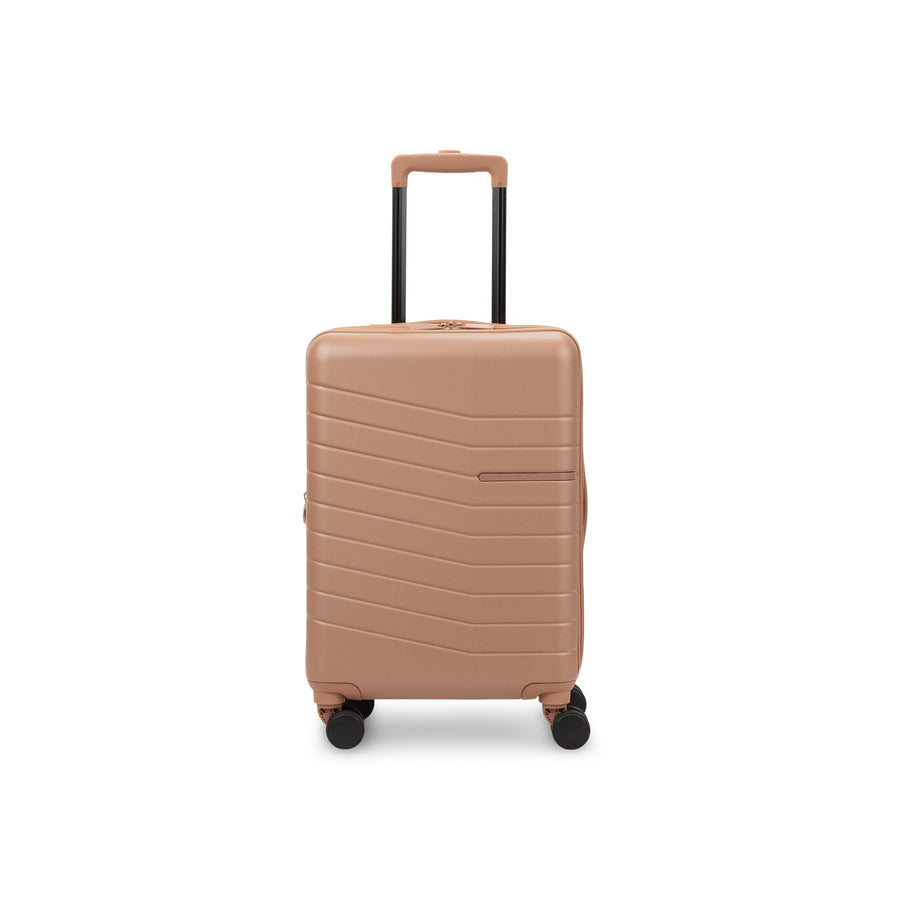
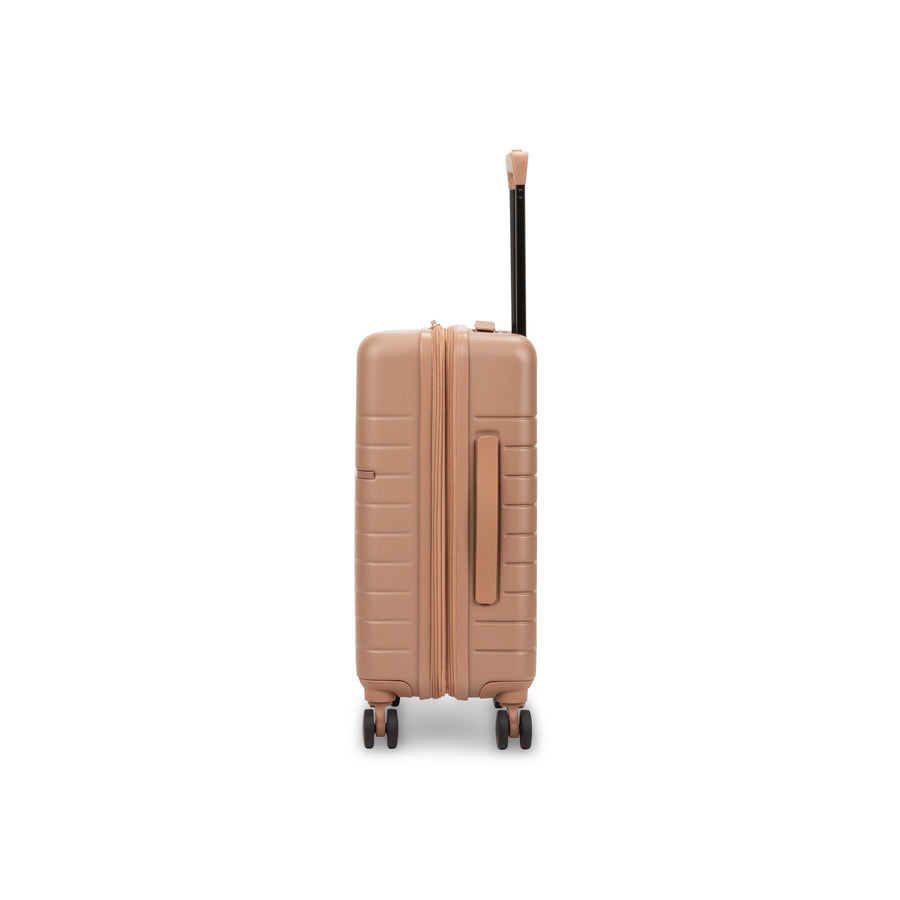
- Best all-around pick with a built-in holder: Munich Carry-On, recycled PET construction, 8 swivel wheels, a two-position telescopic handle, and a built-in AirTag pocket.
- Best for a full family or long-trip setup: Munich 3-Piece Set, every piece includes its own AirTag holder, so each bag can be tracked individually.
- Best for business travel: Munich Pro Carry-on, adds a front laptop compartment and organizer on top of the same built-in AirTag holder and TSA lock.

The Bottom Line
A built-in AirTag holder won't stop a bag from being mishandled, no suitcase feature can promise that. What it removes is the powerlessness of not knowing where your bag actually is, which makes a real difference the next time a flight gets delayed or a connection runs tight.
Browse the full luggage collection to see which pieces include a built-in holder, or check your specific airline's lost-luggage process with Bugatti's baggage guides.
